

Epilog Cloud · Customisation

Set up the way your service works

Every organisation runs its bereavement service a little differently. Epilog Cloud adapts to you, not the other way round, and without a change request.

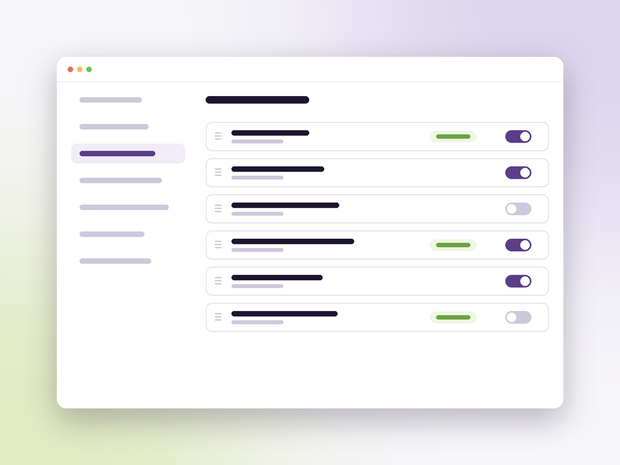
Settings for record fields with toggles and required labels
Customisation

What you can do

  • Fields on every record

    Rename, require or hide any field, and add your own, separately for each type, category and section.

  • Checklists

    Rename, reorder, add and remove the stages a service goes through.

  • Numbering

    Prefix, padding, suffix and yearly reset for each register at each site.

  • Sites and services

    Opening hours by day, last slot, service durations, buffers, notice, advance limits and capacity.

  • Letters and layouts

    Your own document templates and worklist layouts, saved once for the whole organisation.

  • Roles and access

    Finance, analyst and administrator roles combined as needed, with access by site.

Your words, your workflow

Shared lists, your own entries

Drop-down lists come from shared registries of standard options. Hide the ones you never use and add your own: memorial types, materials, suppliers, appointment types and more.

  • Entries provided with the system marked as such
  • Nothing deleted, only hidden, so history stays intact
  • Changes take effect for everyone straight away

See Customisation in action

Get in touch and we will show you, with your own services in mind.

Keep exploring

More of Epilog Cloud

Get in touch

Tell us a little about your service and we will come back to you.

We use these details only to reply to you. See our privacy policy.